Photo Upload Rejected? 7 Reasons Online Forms Say No (and the Fix for Each)
You pick the photo, press Upload, and the form says no. Sometimes the message is clear (“File must be less than 50 KB”). Often it is not (“Invalid image”). Almost every rejection comes down to one of seven problems with the file, and each one has a quick fix.
Short answer: Check four things on the form: format (usually JPG), the minimum and maximum KB, the pixel size and the shape. Then make your file match all four. The Compress Image to KB tool handles the size, pixels, shape and JPG conversion in one go.
1. The file is too large
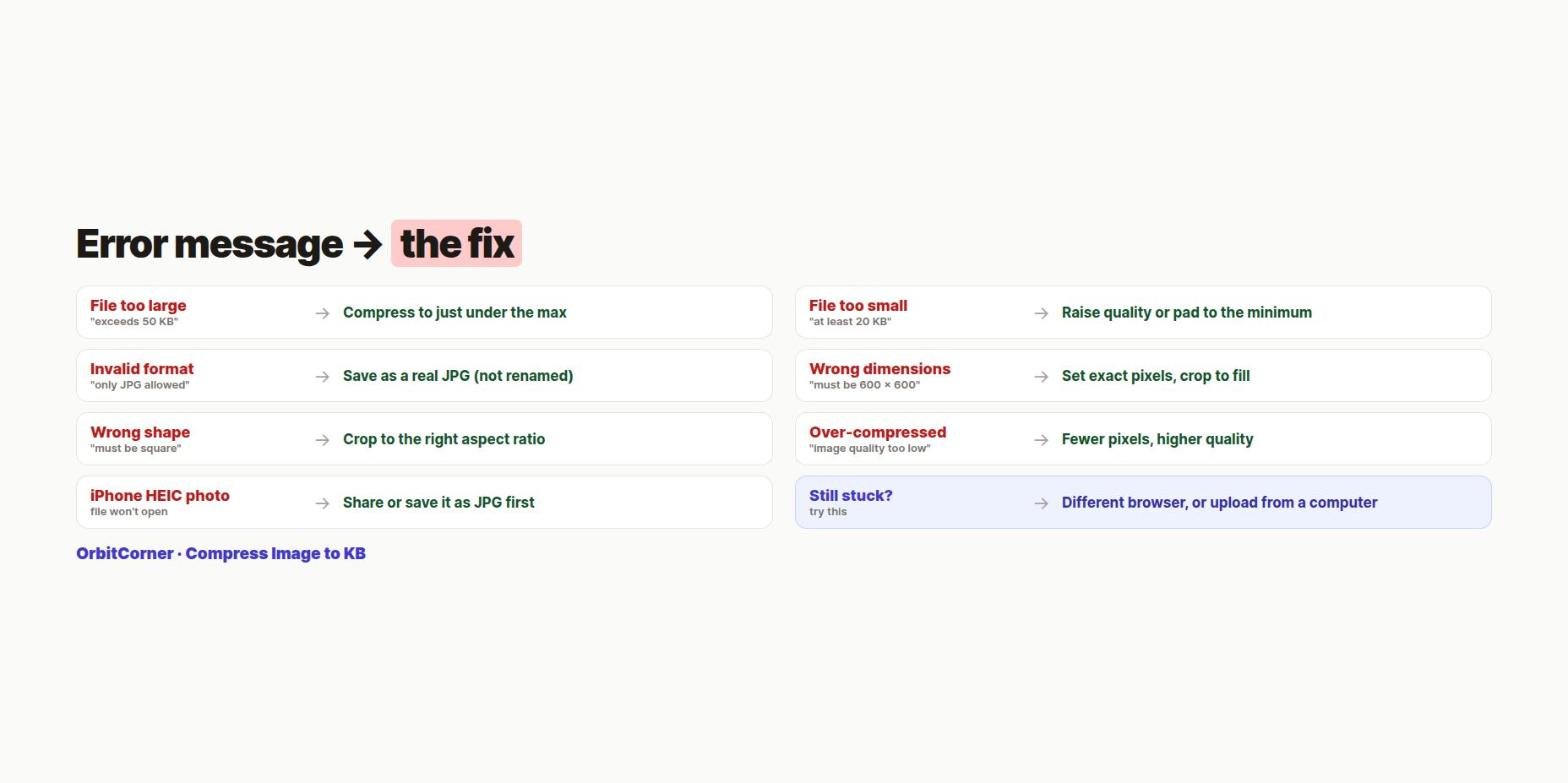
Message: “File size exceeds 50 KB”, “Maximum 100 KB”, “File too big”.
Fix: Compress to just under the maximum. Do not crush quality to the floor; reduce the pixels a little as well. Our guide to reducing photo size in KB explains the two settings that control size.
2. The file is too small
Message: “File must be at least 20 KB”, “Minimum size 10 KB”, or a vague “Invalid photograph”.
Fix: Many forms set a minimum as well as a maximum, and this is the error most people never think of. It happens with small, simple images like signatures, or after compressing too hard. Raise the JPEG quality, or use a tool that can bring the file up to the minimum without changing the picture. Our tool does this automatically when you enter a minimum, and tells you when it has.
3. The format is wrong
Message: “Only JPG/JPEG allowed”, “Invalid file type”.
Fix: Save the photo as a real JPEG. Renaming photo.png or photo.heic to photo.jpg does not change what is inside, and good forms detect that. iPhone users: share or save the photo as a JPG, or set Settings › Camera › Formats › Most Compatible for future photos.
4. The pixel dimensions are wrong
Message: “Image must be 600 × 600 pixels”, “Minimum width 413 px”.
Fix: Resize to the exact numbers, not roughly. In the tool, choose Exact pixel size, enter the width and height, and pick “Crop to fill”. Never stretch a photo to fit; forms and officers reject distorted faces.
5. The shape (aspect ratio) is wrong
Message: “Photo must be square”, “Height must equal width”.
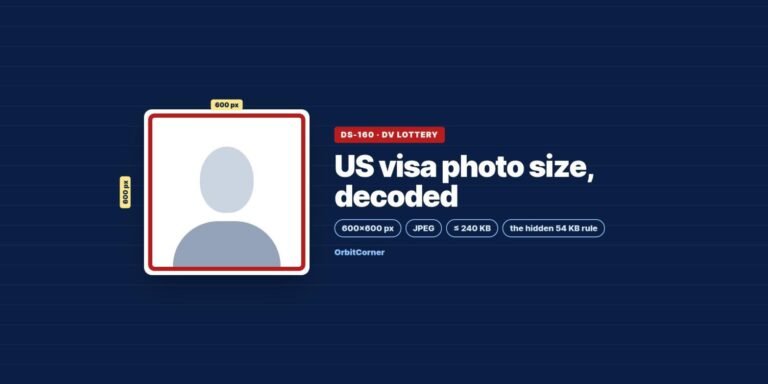
Fix: Crop to the required ratio. Square is common for visas (the US visa photo must be square, for example). Others use passport-style ratios such as 35 × 45 mm. See our US visa photo guide for a worked example.
6. The photo is over-compressed or blurry
Message: “Image quality too low”, “Image is overly compressed”, or rejection after review.
Fix: Use fewer pixels and higher quality instead. Some systems check this directly. The US visa system, for example, does not allow compression stronger than 20:1, which for a 600 × 600 photo means staying above about 54 KB.
7. The phone or browser is the problem
- Cloud-only photos: a photo still in iCloud or Google Photos may not be fully on your phone. Download it first, or pick it from your Files or Downloads.
- In-app browsers: forms opened inside WhatsApp, Instagram or email apps sometimes fail at uploads. Open the link in Chrome or Safari instead.
- Old or strict portals: some older portals reject file names with spaces or symbols. Rename the file to something simple like
photo.jpg. - Still failing? Try another browser, or upload from a computer.
The 30-second pre-upload check
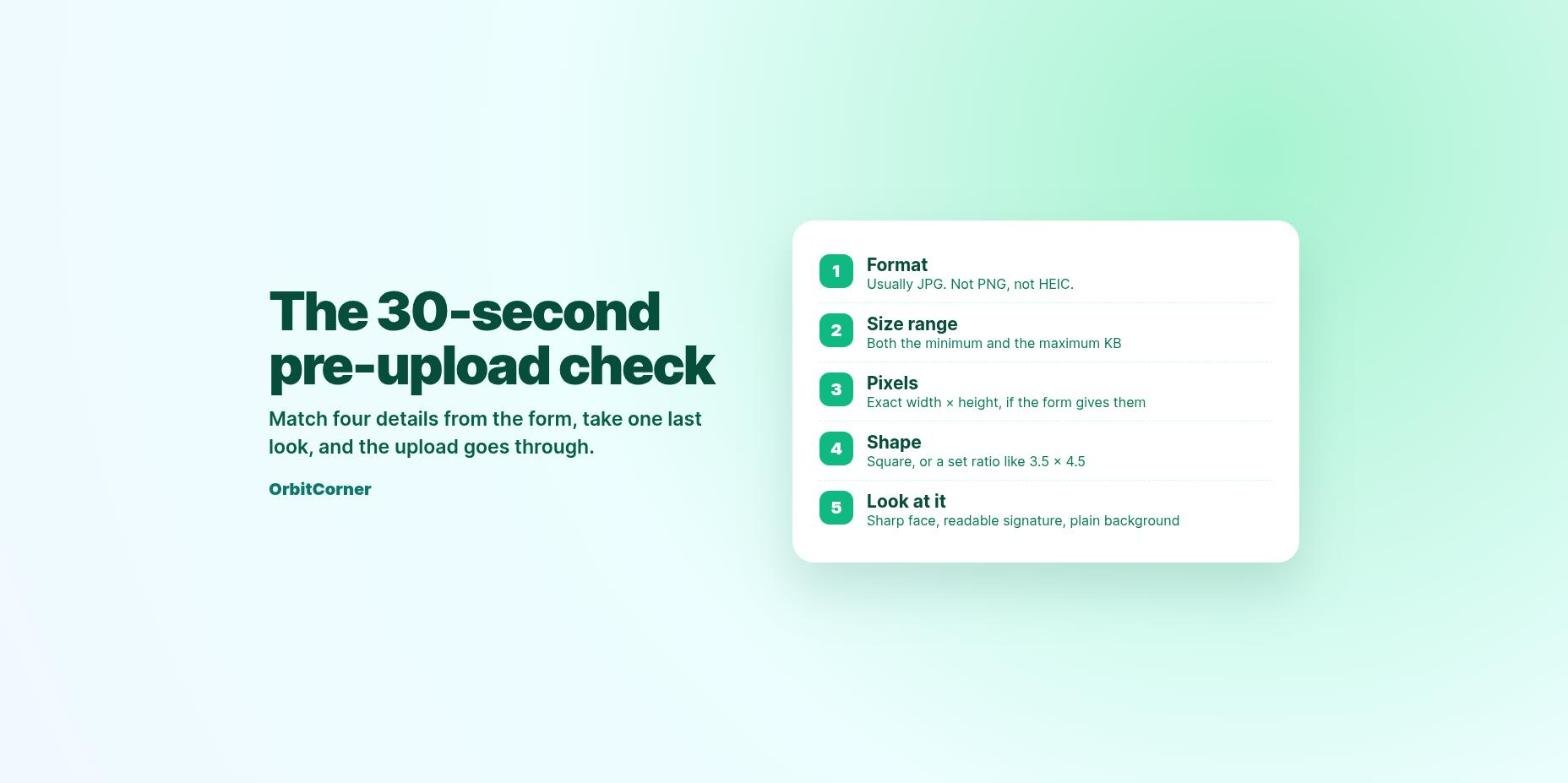
- Format: JPG unless the form says otherwise.
- Size range: both the minimum and the maximum KB.
- Pixels: the exact width × height, if given.
- Shape: square or the stated ratio.
- Look at it: zoom in. Is the face sharp and the signature readable, with a plain background?
Fix the size, pixels and format in one go
Enter your form’s limits, get a JPG that fits. Free, and nothing is uploaded.
Quick answers
Why does the form say “invalid image” with no reason?
The most common hidden causes are a file under the minimum size, a renamed HEIC or PNG, or the wrong pixel size. Check those three first.
Should I compress the same photo several times?
No. Each pass loses more detail. Always start again from the original photo.
Is it safe to use online compressors for ID photos?
Only if the tool runs in your browser. Many sites upload your photo to their servers. Our tool processes everything on your device and never uploads your photo.
Related guides
- How to reduce photo size in KB on any device
- US visa photo size: 600×600, under 240 KB and the 54 KB rule