AI Image Prompts: How to Write Them (25 Examples for Midjourney, ChatGPT and More)
AI image generators can make almost anything, but a short prompt like “a cat” gives you a random, average picture. The secret to great AI images is describing the picture the way a photographer or artist would.
This guide shows the simple structure behind great image prompts, how to adjust it for Midjourney, ChatGPT and Stable Diffusion, and 25 ready-to-use examples you can copy.
Short answer: Describe the subject, the style, the setting, the lighting and the camera angle, then add the shape (aspect ratio) and anything to avoid. The free AI prompt generator has an Image tab that writes this for you.
The 5-part image prompt formula
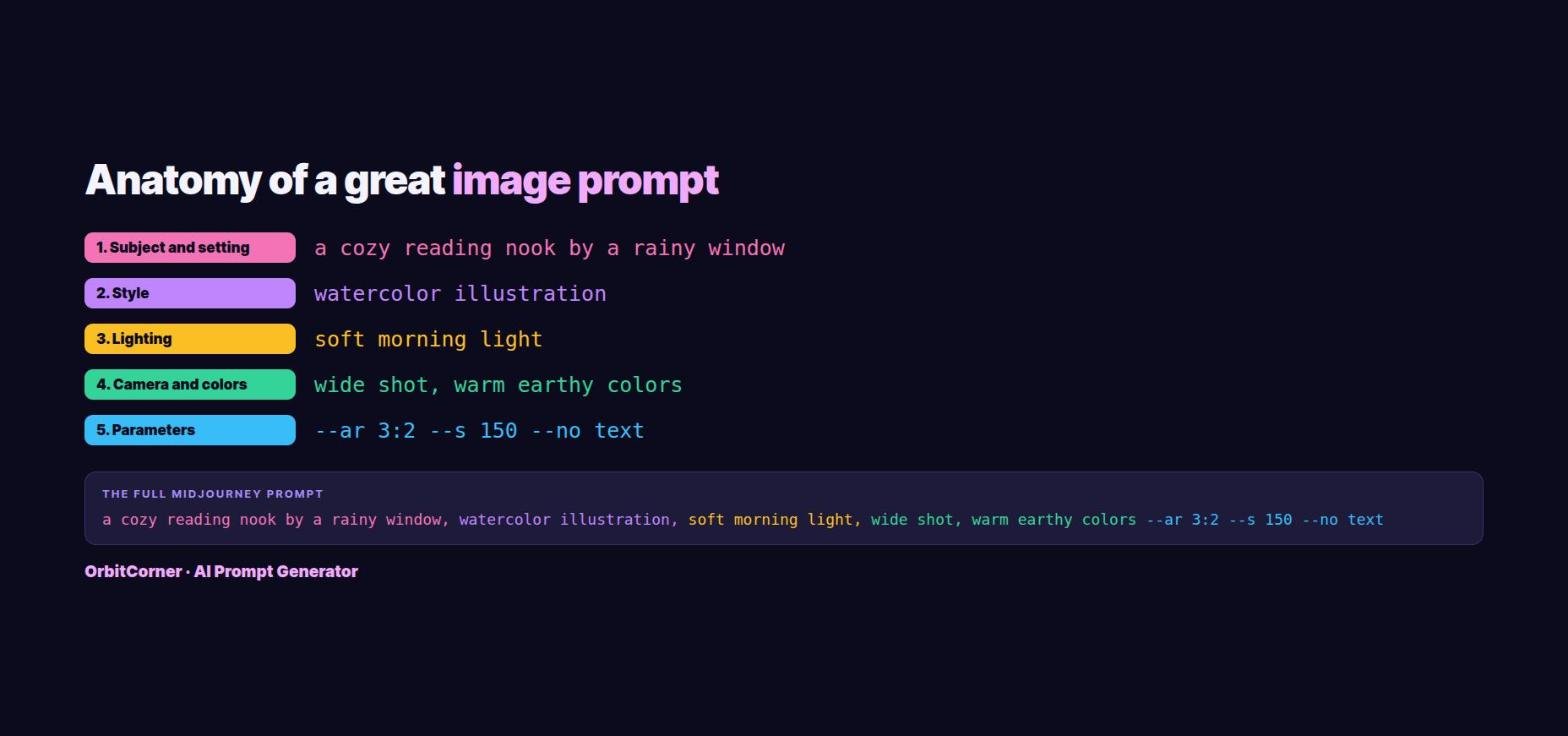
- Subject: what is in the picture, with details. “A cat” becomes “a ginger cat asleep on a stack of old books”.
- Style: photo, cinematic, watercolor, 3D render, anime, oil painting, pixel art, flat illustration.
- Setting: where it is and when. “In a small attic room on a rainy afternoon”.
- Lighting: golden hour, soft studio light, neon, candlelight, overcast, dramatic backlight. Light changes the mood more than anything else.
- Camera and colors: close-up, wide shot, top-down, low angle, shallow depth of field, plus a color palette like “warm earthy colors”.
Then add the shape (square for posts, 16:9 for YouTube and desktop, 9:16 for Reels, TikTok and phone wallpapers) and anything you want to avoid, such as text, watermarks or extra people.
Midjourney prompts: what is different
Midjourney reads a natural description first, then parameters at the very end. Its documentation says to put parameters after your prompt text, add a space before the dashes, and not use punctuation inside them.
--ar 16:9sets the aspect ratio. Images start square by default.--no text, watermarkremoves things you do not want. Midjourney reads each word after –no on its own, so “–no modern clothing” is read as “no modern” and “no clothing”. Describe the clothing you do want instead.--s 0to--s 1000(stylize) controls how much artistic flair Midjourney adds. The default is 100. Lower follows your words more closely.--c 0to--c 100(chaos) makes the four results more different from each other. The default is 0.--vpicks the model version. The current default is V8.2, released on July 24, 2026, so you only need –v if you want an older model such as V7.
A complete Midjourney prompt looks like this:
a cozy reading nook by a rainy window, a cat asleep on a stack of books, watercolor illustration, golden hour light, wide shot, calm and cozy mood --ar 3:2 --no text, watermark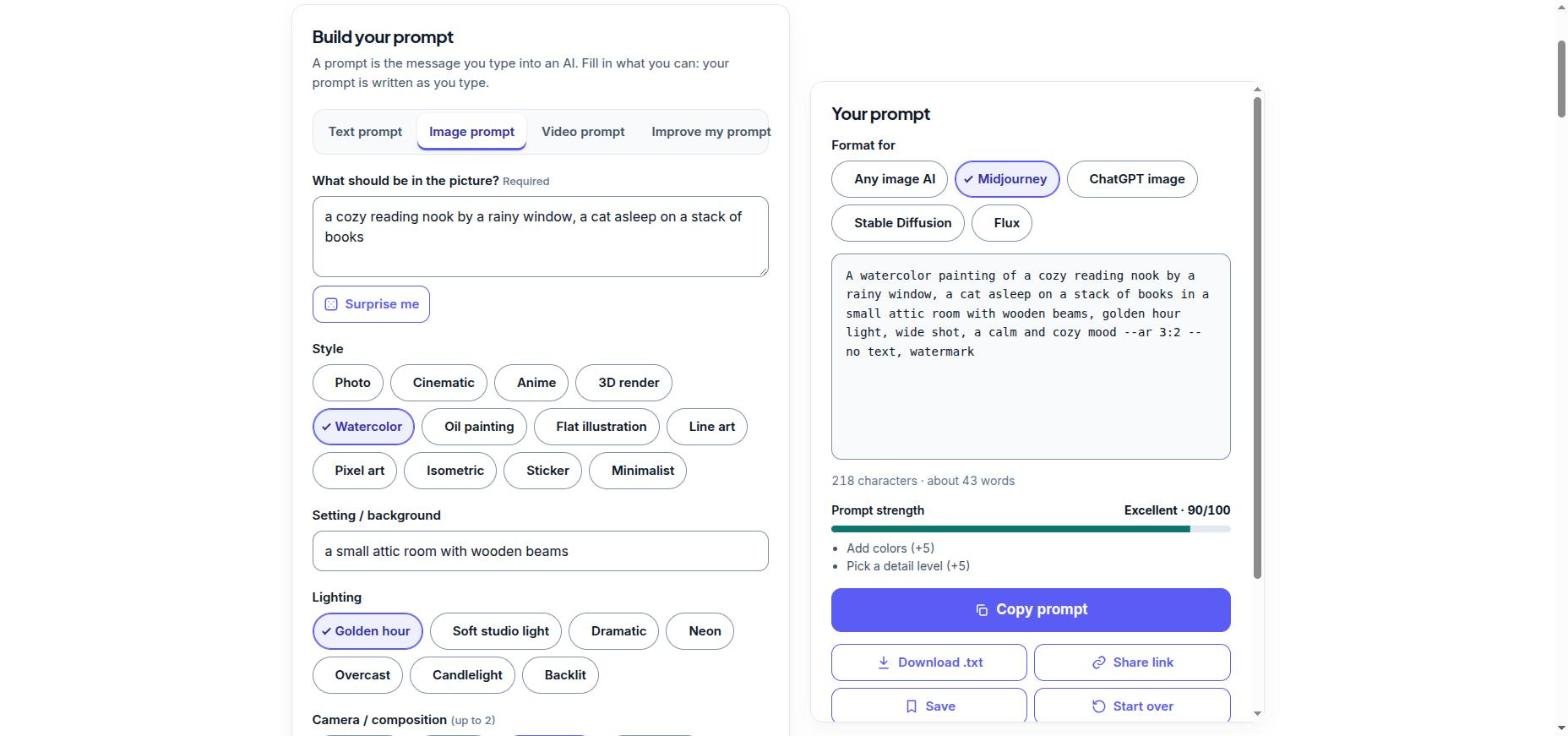
ChatGPT, Gemini and other “chat” image AIs
Image tools built into chat apps understand normal sentences, so write your prompt like a short description to a designer. There are no parameters: write the shape in words, such as “a wide 16:9 image” or “a tall phone wallpaper”. If you want words in the picture, put them in quotes, for example: a poster that says “Grand Opening”.
Create a wide 16:9 image of a misty pine forest at dawn, with rays of sunlight through the trees. Cinematic photo style, soft golden light, calm mood. No people and no text.The big advantage of chat image tools is that you can keep talking: “make it warmer”, “move the cat to the left”, “same scene but at night”.
Stable Diffusion and Flux
- Stable Diffusion tools usually have two boxes: the main prompt, written as short comma-separated phrases, and a separate negative prompt for things to avoid, such as “blurry, low quality, extra fingers, watermark”.
- Flux understands long, natural sentences very well, but many Flux tools do not support a negative prompt. Describe what you want instead: “a clean, empty background” rather than “no clutter”.
Write the image prompt for me
Pick a style, light, camera and shape, choose Midjourney, ChatGPT, Stable Diffusion or Flux, and copy a ready prompt. Free, and nothing is uploaded.
25 AI image prompt examples you can copy
Copy any of these into your image tool. For Midjourney, add parameters such as --ar 16:9 at the end. For ChatGPT or Gemini, add “a wide image” or “a square image” in words.
Portraits and people
close-up portrait of an elderly fisherman with a weathered face, soft window light, shallow depth of field, photo, warm tonesportrait of a young woman reading in a sunlit cafe, film photo style, golden hour, 85mm lens looka chef laughing in a busy kitchen, candid documentary photo, warm light, motion in the backgroundchild astronaut in a cardboard rocket in a living room, playful 3D render, soft studio lightsilhouette of a dancer against a huge orange moon, minimalist, high contrast
Landscapes and places
misty pine forest at dawn with rays of light through the trees, cinematic wide shottiny island with one lighthouse in a calm turquoise sea, aerial top-down view, bright daylightrainy neon-lit city street at night with reflections on the road, cinematiccozy mountain cabin in deep snow with warm windows, blue hour, wide shotdesert road leading to red rock mountains, golden hour, long shadows, photo
Products and food
minimalist product photo of a white ceramic coffee mug on a pastel pink background, soft shadowsfresh lemon tart on a marble table, top-down view, natural light, food photographysneaker floating in mid-air with splashes of paint around it, studio lighting, high detailglass perfume bottle on wet black stone, dramatic backlight, macrobowl of ramen with steam rising, close-up, moody dark background, warm light
Art and illustration
watercolor illustration of a fox in an autumn forest, soft colors, children's book styleisometric illustration of a small cozy home office with plants, pastel colorsline art of a city skyline, single continuous line, black on whitepixel art of a tiny farm at sunset, 16-bit video game styleflat illustration of people working together in a bright modern office, simple shapes
Fantasy and concept
floating castle above the clouds at sunrise, epic fantasy concept art, wide shotgiant whale swimming through a starry night sky over a sleeping village, dreamysteampunk airship docked at a busy sky harbor, detailed, warm evening lightancient library inside a hollow tree, glowing lanterns, magical atmosphererobot gardener watering flowers on a rooftop garden, soft morning light, friendly 3D render
6 tips for better AI images
- Be specific about the main subject. Age, material, color, size and action all help.
- Pick one style. “Photo, watercolor and anime” in one prompt fights itself.
- Use lighting words. “Golden hour”, “neon” and “soft studio light” change the whole mood.
- Choose the right shape first. A YouTube thumbnail and a phone wallpaper need different aspect ratios.
- Change one thing at a time. When you edit a prompt, change one detail so you can see what made the difference.
- Avoid real people, brands and famous characters. Most tools block them, and original ideas give you images you can actually use.
Need to upload your new image to a form or website with a size limit? Use our Compress Image to KB tool to shrink it to an exact size.
FAQ
What is a good AI image prompt?
One that describes the subject, style, setting, lighting and camera angle, plus the shape of the image. For example: “a watercolor fox in an autumn forest, soft morning light, wide shot”.
How long should an image prompt be?
Usually one or two sentences, around 15 to 40 words. Enough to describe the picture clearly, without piling on conflicting styles.
How do I remove things from a Midjourney image?
Add –no followed by what you do not want, for example –no text, watermark. Avoid phrases like –no modern clothing, because each word is read separately.
What is the latest Midjourney version?
The current default is V8.2, released on July 24, 2026. You do not need to add –v unless you want an older model.
Can the same prompt work in Midjourney and ChatGPT?
The description can, but the extras differ. Midjourney uses parameters like –ar at the end, while ChatGPT needs the shape written in words. The prompt generator formats it for each one.
Keep reading
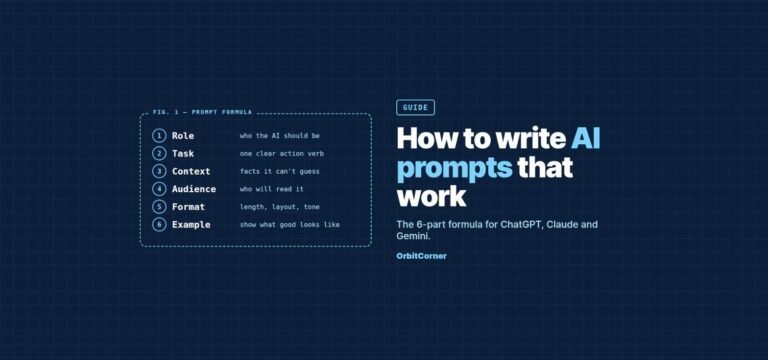
- How to write AI prompts that work: the 6-part formula
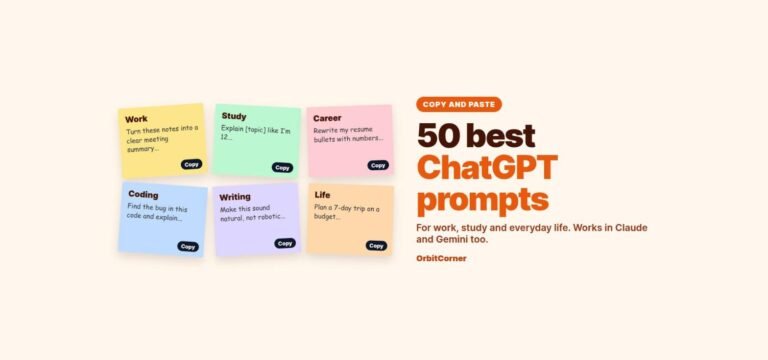
- 50 best ChatGPT prompts for work, study and everyday life